
Step 1: Find a script and come up with a story
There are many viral novels online right now that you can reference, or you can have AI help you come up with an original plot. The key issue here is copyright. For practice, you can freely copy someone else's viral novel from the internet, but if you want to monetize it, copyright issues will immediately arise. So, you can start by promoting novels for others through the Fanqie Creator Center. This way, there are no copyright issues as everything is officially authorized. If you do well and attract people to click the original text link, you can also receive platform dividends. When you officially start doing this, you still need to contact the author first to get authorization.
Click on any novel in the Fanqie Creator Center; there is a one-click copy function that allows you to directly copy the entire chapter. Then we throw it to Doubao or other AI to help us generate a script suitable for AI comic drama creation. In this demonstration, I am using Doubao.
Step 2: Have AI help you design the plot, characters, and scenes
Throw the plot we copied to Doubao, along with a Word document for converting the script into a screenplay format, and Doubao will help us generate a suitable plot script. Make sure to select "Expert Mode" for Doubao.
After the script is generated, ask Doubao to help design the storyboards. Again, throw the storyboard script Word document to Doubao and add our requirements, and Doubao will help design the camera movements for each segment of the plot. At this point, you should review the plot generated by Doubao for any obvious errors or logical inconsistencies and ask it to revise them.
Next, ask Doubao to generate the image generation prompts for our required characters and scenes based on our plot, adding the Word documents for character and scene design. The key is that you must clearly tell Doubao what style you want. Styles like cinematic 3D Chinese animation semi-realistic CG, live-action cinematic realism, Eastern Xianxia 3D CG, modern urban realism, cyberpunk sci-fi, post-apocalyptic wasteland, ancient ink wash painting, 2D anime, Western animation, 3D cartoon animation, dark fantasy, Cthulhu retro horror, and Guochao supernatural tales are all possible. Plan this in advance because once the tone is set, changing it later is very troublesome and basically means starting over.
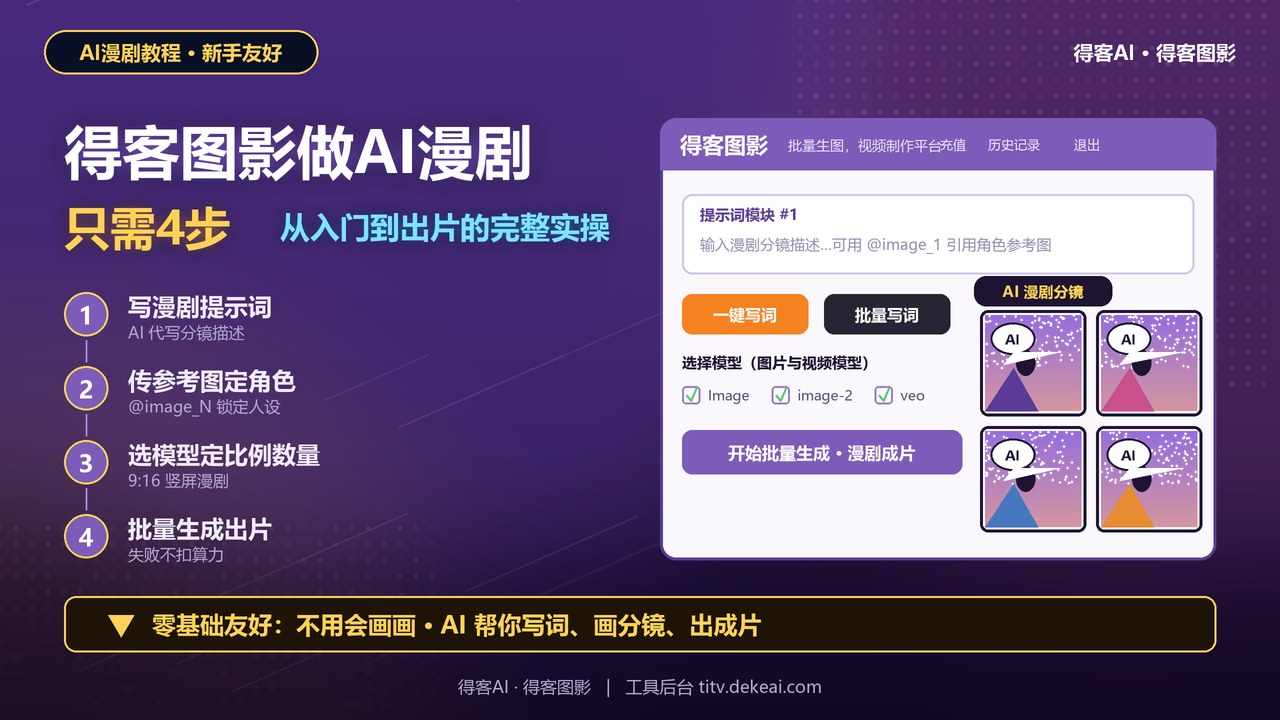
After Doubao generates all the character and scene prompts needed for this plot segment, you can start using DKS AI to generate the required images. Use a 9:16 ratio for characters uniformly and a 16:9 ratio for scenes uniformly.
After generating all the character images you need, you can start making character three-view sheets (front, side, and back). Having three-view sheets ensures AI won't make obvious errors when generating videos. The process is the same: send the three-view Word document to Doubao and have it generate the three-view prompts for the above characters based on the requirements.
Use the previously generated character images as reference images for the three-view sheets, feed the prompts to DKS AI, select the model and ratio (the three-view ratio is 16:9). If you have higher requirements, you can also generate three-view sheets for the scenes; this depends on personal choice.
Step 3: AI video generation
Once you have your desired character appearances, three-view sheets, and scene images, you can ask Doubao for the next step: generating video prompts. Remember to tell Doubao not to generate sound effects and timing prompts, as this can easily lead to stuck frames, skipped frames, or dialogue pacing issues. Deleting the highlighted parts usually yields better results (based on testing).
After getting the prompts, upload the corresponding reference images in DKS AI based on the scene and character references. You must upload the three-view sheets for character references to avoid obvious flawed shots. Select the model and duration you need, choose the ratio based on your needs, then put the video generation prompts into DKS AI. After the corresponding character and scene words, click the corresponding images to select them as reference images. Choose the generation quantity, and you can start batch generation.
Step 4: Video editing
Because AI video generation durations are limited, we need to splice the generated videos together. I use CapCut (Jianying), which allows you to adjust various desired parameters, sound effects, and special effects. When AI-generated videos have errors but you don't want to regenerate them, you can use CapCut to make adjustments. Export when done.